What the console actually does
Grouped the way you would use them, not the way the software is organised.
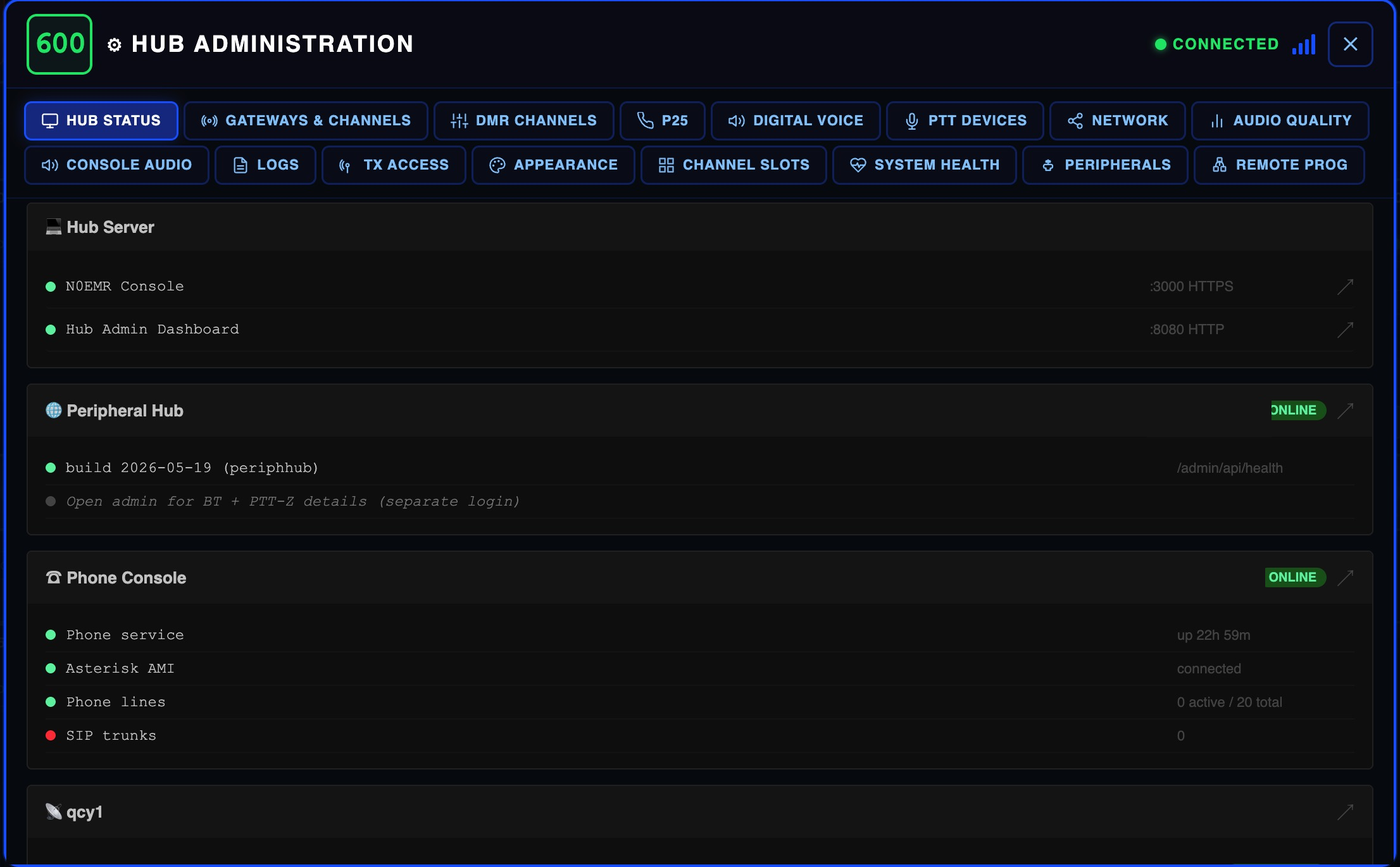
Monitoring and routing
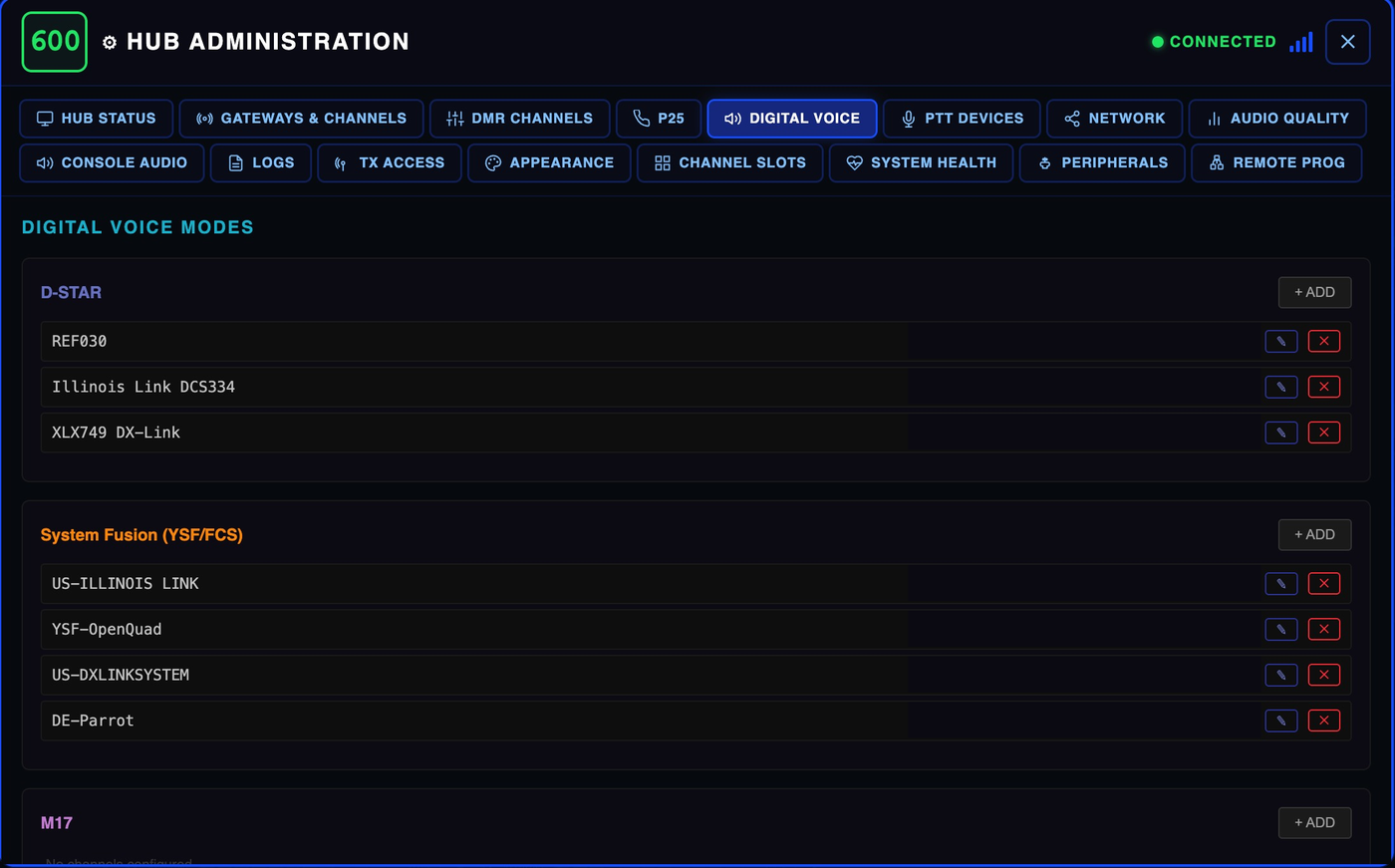
Every talkgroup, reflector, node and repeater you have configured is live at once. No switching modes to hear a different network.
Tie two channels together so traffic on one is repeated onto the other. Bridge a local repeater to a talkgroup for an event, then take it back down.
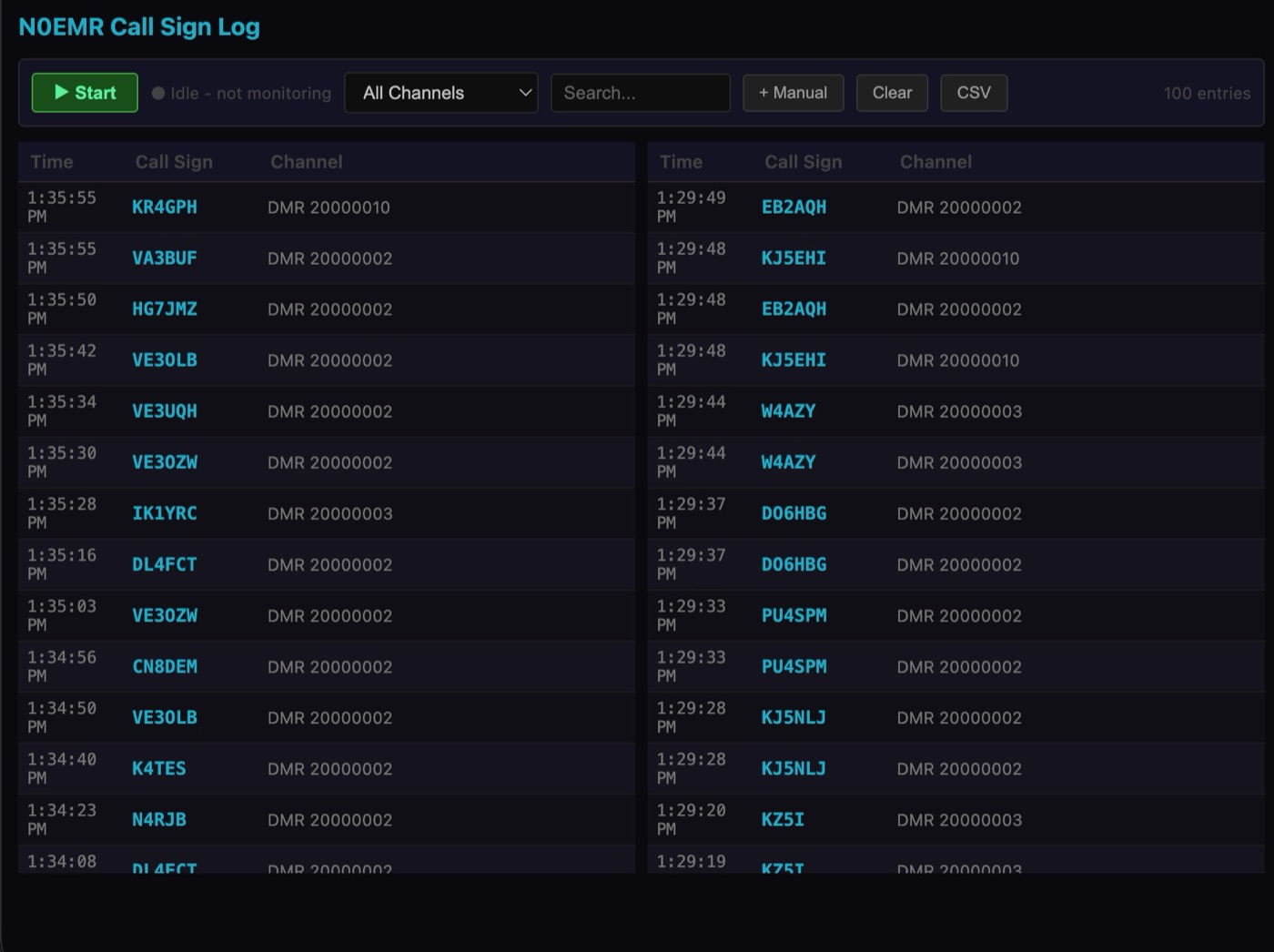
A running record of who transmitted, on what, and when — so you can go back and check what you heard.
Capture traffic for review after an event or a net.
Arrange the console the way your operation works. The channels you use most go where your eye already goes.
Transmitting
Transmit on the channel you mean. The card shows key and unkey state the way a real dispatch position does.
Hands-free push-to-talk from a foot pedal, so your hands stay on the keyboard.
Key from a keyboard shortcut, or from a serial device if you already have dispatch hardware on the desk.
Pair a wireless button and key from across the room.
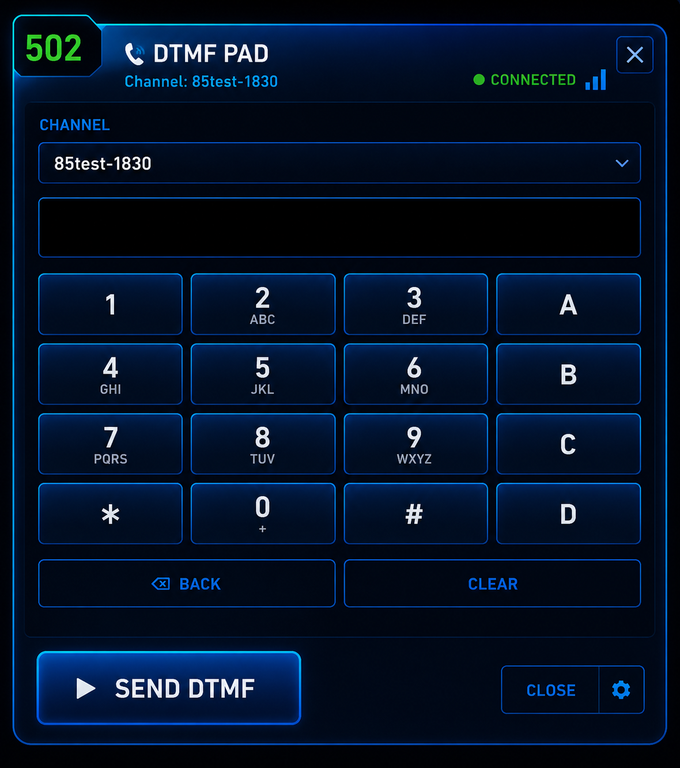
Send tones down a channel for nodes and controllers that expect them.
Alerting
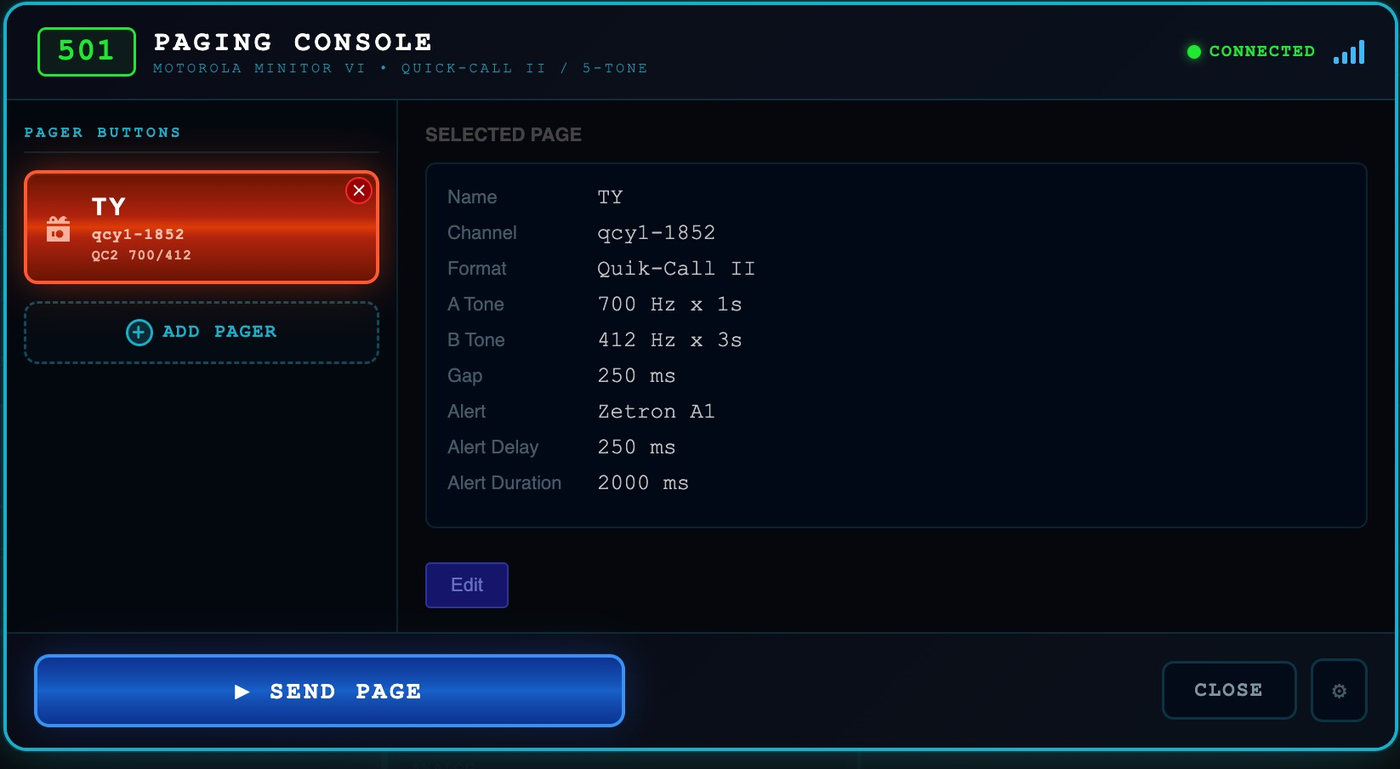
Two-tone paging with configurable tone and gap timing, for groups still running tone-out alerting.
A dedicated path for emergency traffic rather than one more button in a row of buttons.
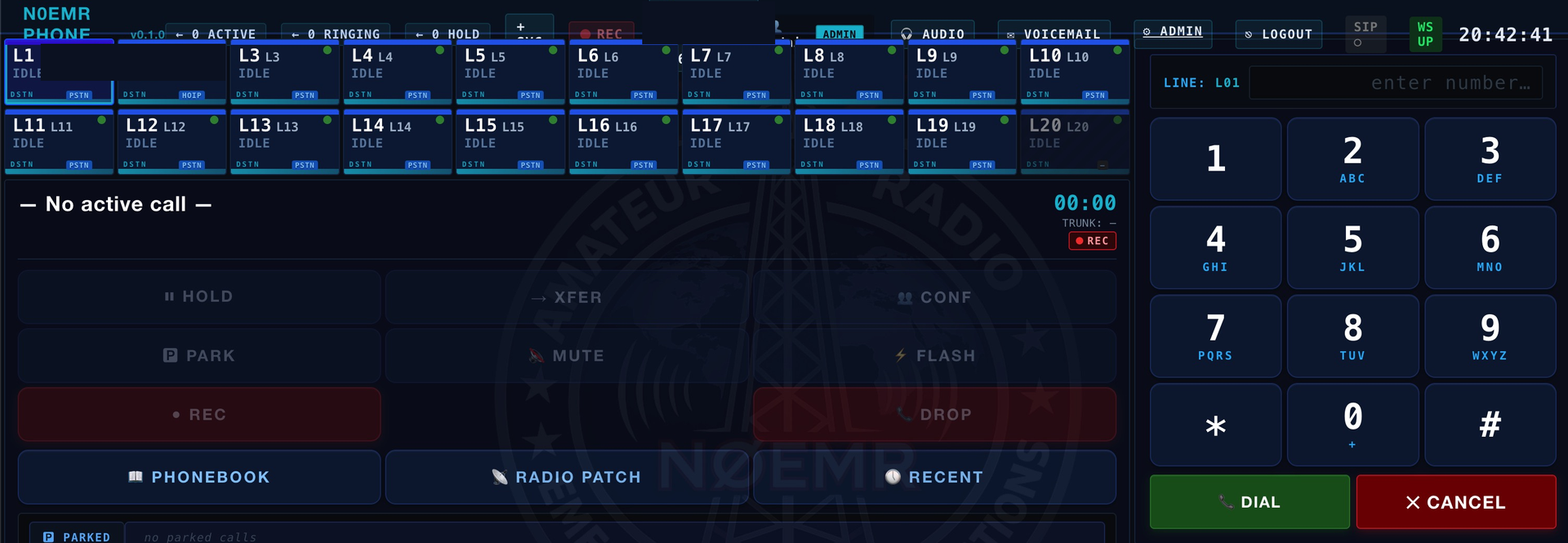
A phone side that lives alongside the radio side, so a call and a channel can be handled from one position.
Audio
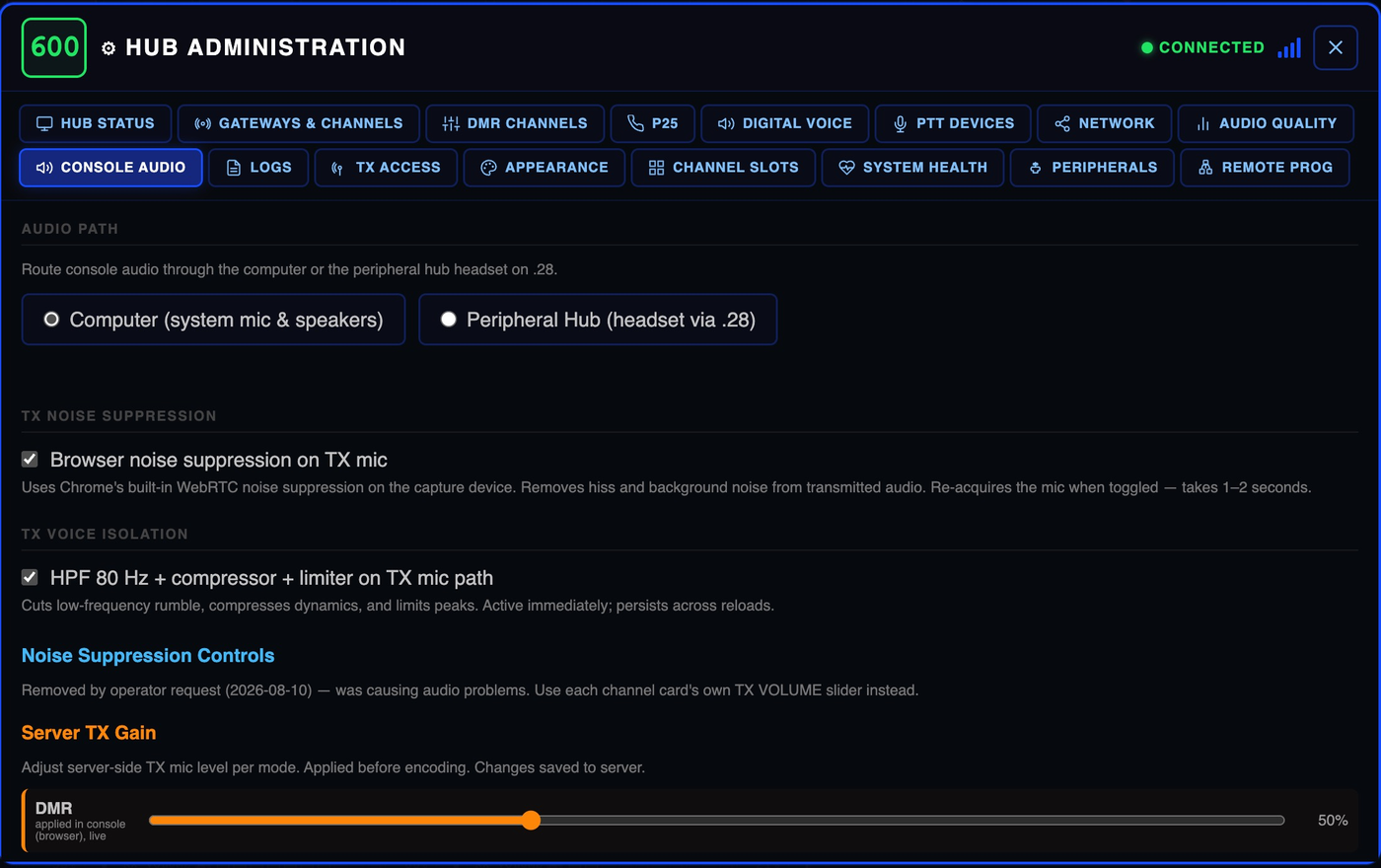
Clean up the transmit path so what leaves the console is intelligible on a handheld at the far end.
DMR, analog and the digital voice modes each want a different drive level. Set them independently instead of compromising.
Headset, speaker and pedal hardware handled at the operator position rather than assumed to be the computer's default sound card.
Network audio arrives unevenly. The console smooths it per channel so speech stays speech.
Doors, gates and sensors — AUX I/O
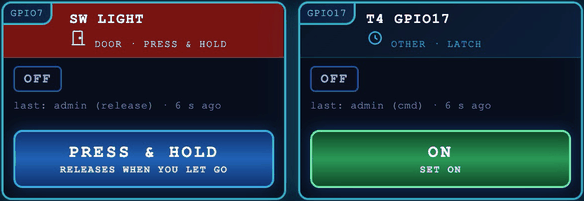
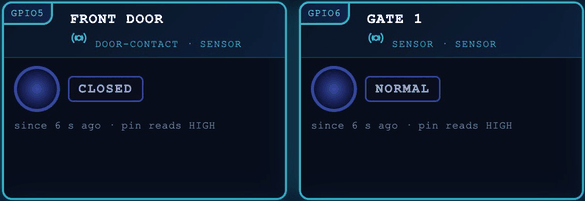
Every gateway site can switch things and watch things, not only carry radio. Wire a door strike, a gate opener, a light or a buzzer to a spare pin on the gateway's Raspberry Pi header, wire door contacts and other switches to other pins, and each one shows up as a card in the console's AUX I/O window. You work them from the same dispatch position and the same sign-in as the radios.
When you press a button, the console sends the command to the CORE, the CORE passes it to the gateway over the link the gateway already uses, and the gateway drives the pin. A card only shows a state the gateway has actually reported. If a gateway is offline, its cards say UNKNOWN instead of guessing.
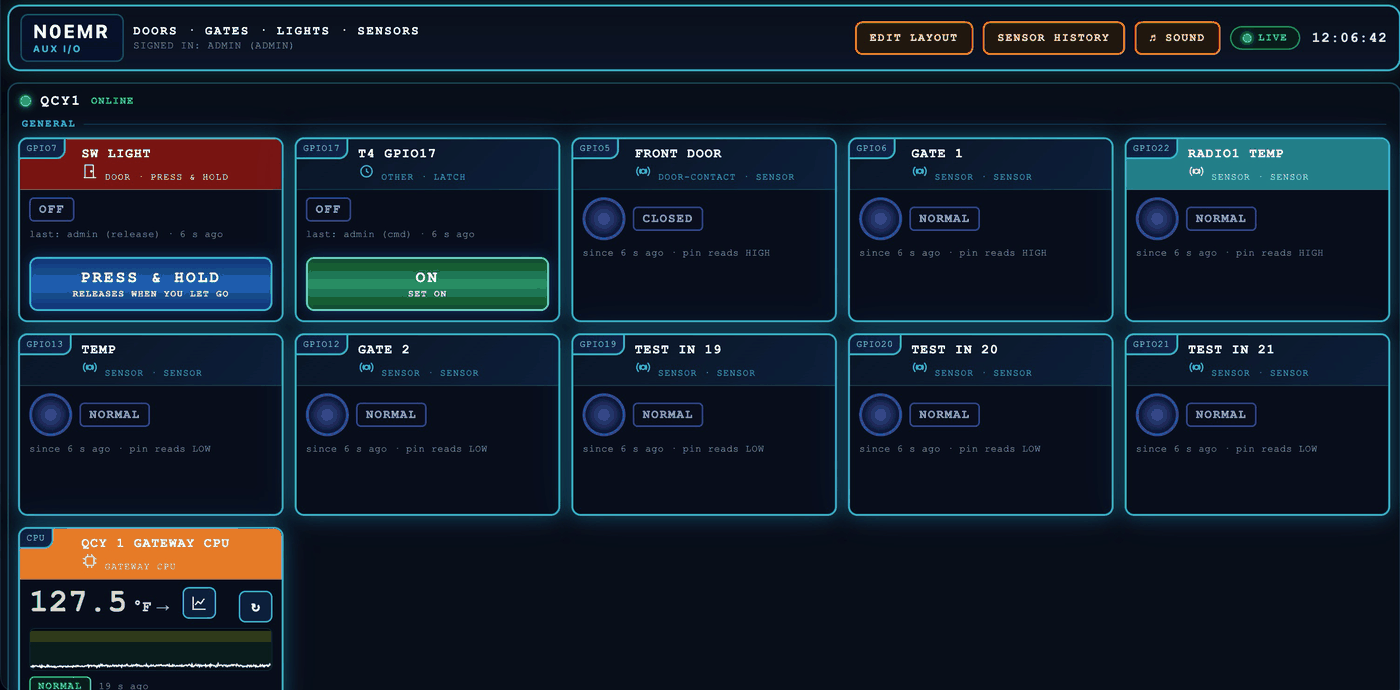
The output stays on only while your finger is on the button and releases as soon as you let go. If the console loses its connection during a press, the gateway releases the output by itself.
Press once for ON and again for OFF. Use it for lights and anything else that should stay the way you left it.
Unlock a door strike for five seconds, or give a gate opener a one-second press. The gateway times the pulse itself, so it ends on time even if the network drops.
Doors and gates can ask the dispatcher to confirm first, so a stray click doesn't open a gate.
After a restart every output starts off and nothing switches itself back on. A door can also be set to lock again on its own if its gateway loses its link.
Watch door and gate contacts, motion detectors, push buttons and other switches. Each card shows OPEN or CLOSED (or your own words) and how long it has been that way.
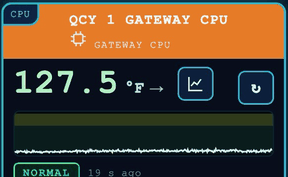
Each gateway reports its own CPU temperature, with a six-hour graph on the card and warning and alarm limits you set.
An alarm can be raised by an input, by a temperature going past its limit, or by a gateway that stops reporting. Every console shows and sounds the same alarm. One dispatcher's acknowledgement counts for every console, and an alarm can be silenced for a set time. When the AUX I/O window is closed, the AUX I/O button on the main console flashes instead.
The alarm and button sounds are built in and play on their own channel, never mixed into radio audio. Each sign-in has its own volume and mute.
Look back over the last hour, 24 hours, 7 days or 30 days of any temperature reading, with the limits, gaps and alarms marked, and export it to CSV.
Name every pin, choose its type (door, gate, light, buzzer or a type of your own, with its own icon and colour) and choose the words its states show.
Each dispatcher can drag the cards into the order and groups that suit them and hide the ones they don't use. The layout follows their sign-in to any console.
Every press, release, change, alarm and acknowledgement is logged with who did it, when and from where. The log is kept for a year and exports to CSV, and each card shows who operated it last.
Any signed-in dispatcher can operate the pins. Only an administrator can add, rename or rewire them.
Each gateway gets its own section in the window, with up to 24 of its Raspberry Pi header pins available for inputs and outputs.
Running it
More than one dispatch position, each signed in, each able to see that the others are there.
See which sites are up, which are unreachable, and which radio is transmitting right now.
A second hub can stand behind the first, so a single machine isn't the whole system.
When something sounds wrong, the console can tell you where in the chain it went wrong.